

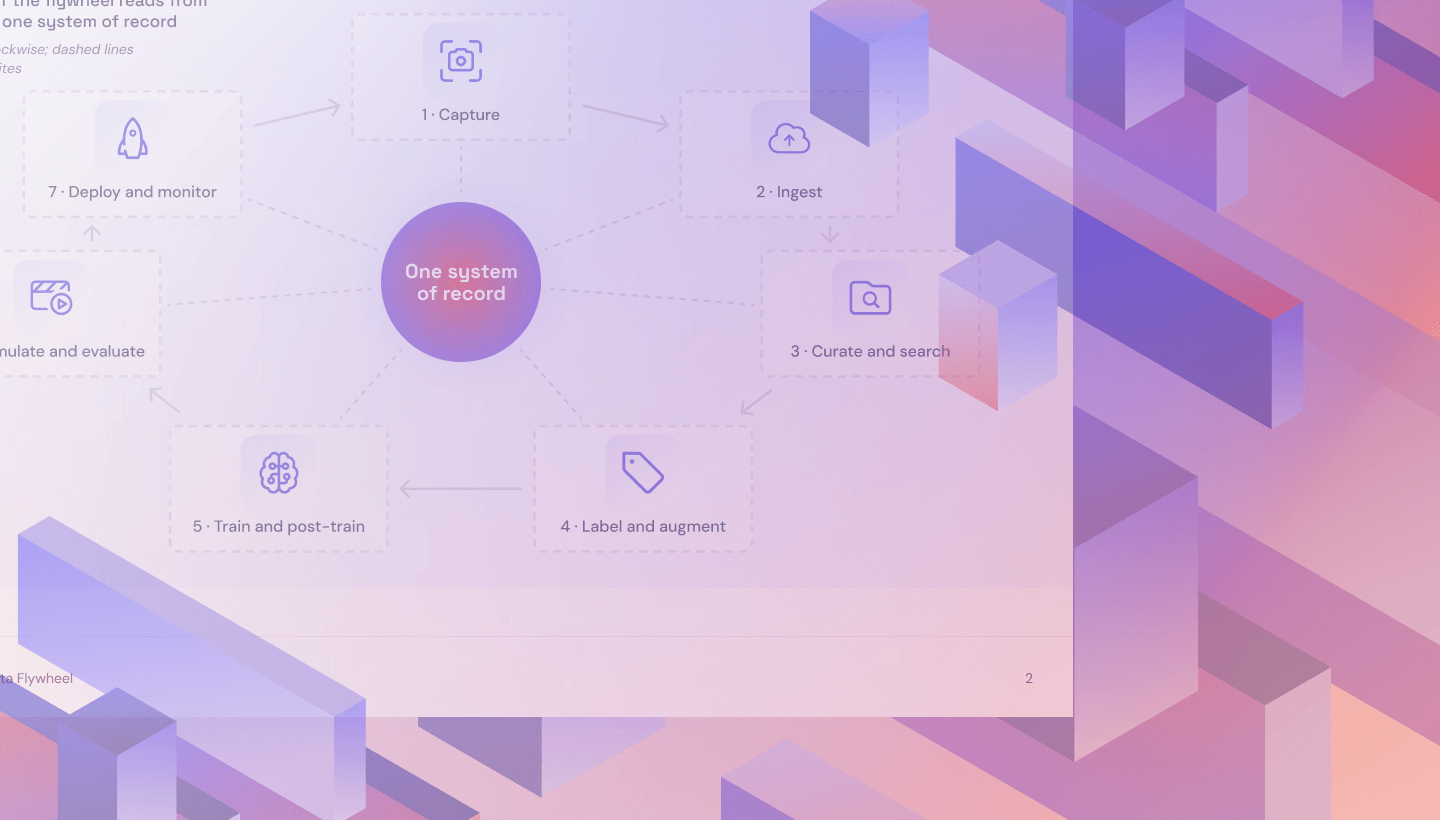
Physical AI fleets produce vast amounts of video and sensor data. Learn how to organize recordings, retain valuable edge cases, and keep training datasets accessible across GPU providers, with storage built for repeated reads and years of fleet data growth.
When Is Cold Storage the Right Choice for Your Data?

Cold data storage promises lower bills, but retrieval fees, delays, and minimum storage durations can change the math. Learn when cold storage makes sense, which workloads need immediate access, and how to evaluate the full cost of keeping your data.
AI Agents Can Delete Files. Here’s How IT Teams Get Them Back.
AI agents have wiped drives and home folders on real machines. Here is how IT teams reduce the risk and restore files with endpoint backup.
AI Workloads Are Breaking Old Storage Assumptions
AI workloads are rewriting the rules for cloud storage. Explore what Backblaze’s Network Stats, Performance Stats, and Drive Stats reveal about data movement, storage performance, and drive reliability, and use the findings to evaluate storage for your own AI workloads.
Scaling AI Data Storage and Delivery with NVIDIA AIStore and B2

AI workloads need durable data retention and fast access to active datasets. See how Backblaze B2 and NVIDIA AIStore pair a persistent capacity tier with local storage near compute for video curation, robot training, and repeated reads across shared datasets.
The Mac Backup Problem Most IT Teams Don’t See Coming
Your backup tool supports Mac, but does it protect your entire fleet? Learn how client design, deployment friction, and pricing can leave critical files exposed—and what IT teams should ask vendors before trusting them with their Mac fleet backups.
Network Stats Q3 2026: Higher Baselines, Shifting Patterns
Backblaze’s Q3 2026 Network Stats reveal higher traffic baselines, expanding neocloud activity, and regional shifts in data movement. Explore the latest heatmaps and see how growing demand is shaping the connections and capacity behind our increasingly busy cloud storage network.
Neoclouds: Your Storage Layer Just Got a Public Grade
SemiAnalysis’ ClusterMAX 3.0 puts neocloud storage under scrutiny. From performance to tenant isolation, default configurations can undermine customer confidence. Explore what the findings reveal and why providers need a deliberate storage strategy before customers leave their data on the platform.
Why Your Computer Backup Strategy Determines Whether You Pay the Ransom
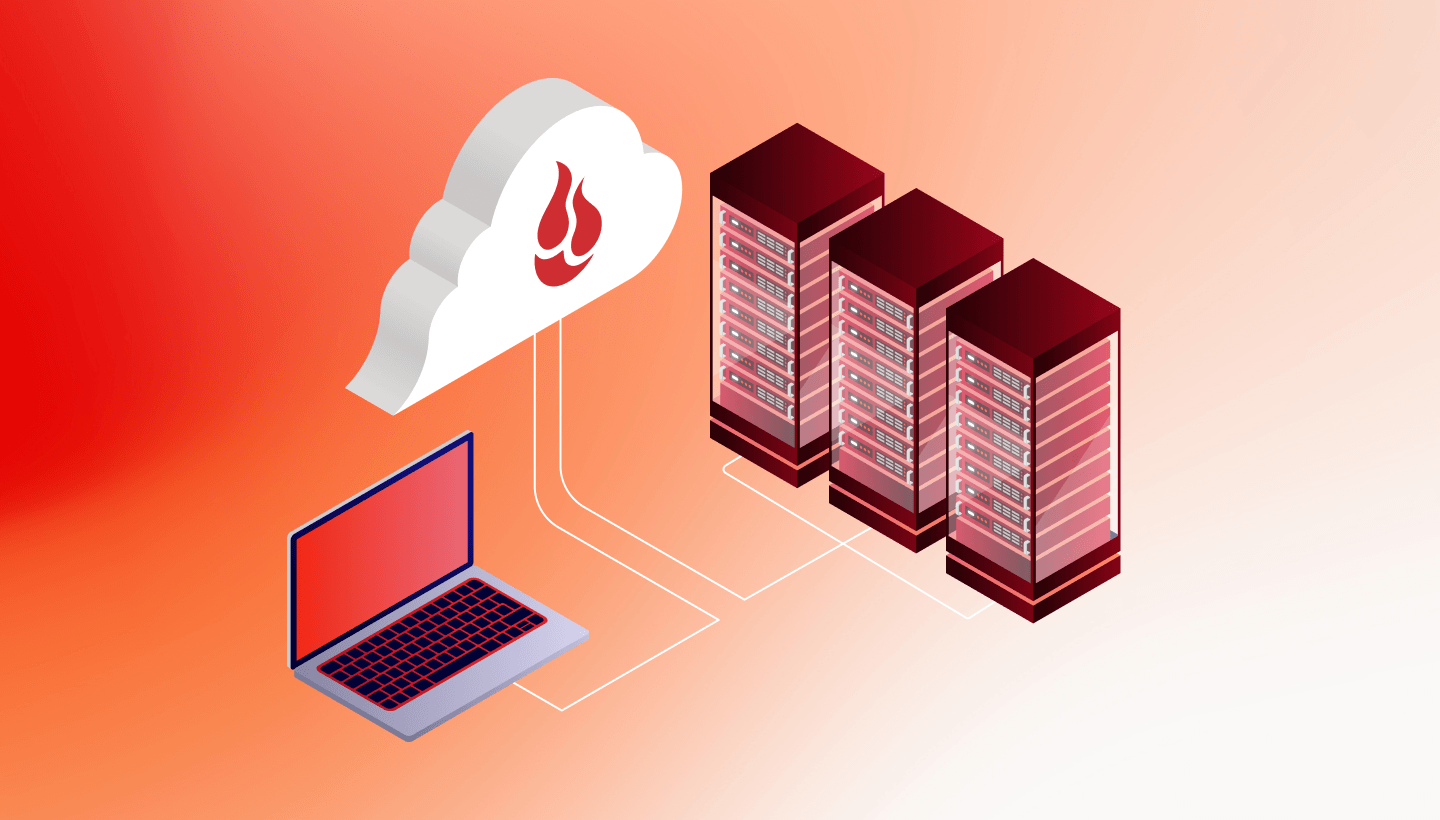
Ransomware recovery depends on more than having a backup. Learn how version history, deleted file retention, legal hold, and restore permissions shape your computer backup strategy—and how to test whether your team can actually recover when an attack hits.
Backblaze Drive Stats for Q2 2026
We analyzed 354,415 data drives for Q2 2026, revealing a 1.73% quarterly annualized failure rate and a 1.41% lifetime rate. Explore standout models, high-capacity drive deployment, and what CMR, SMR, and HAMR could mean for future data center storage strategies.
Why the Best AI Clouds Don’t Run on Flash Alone
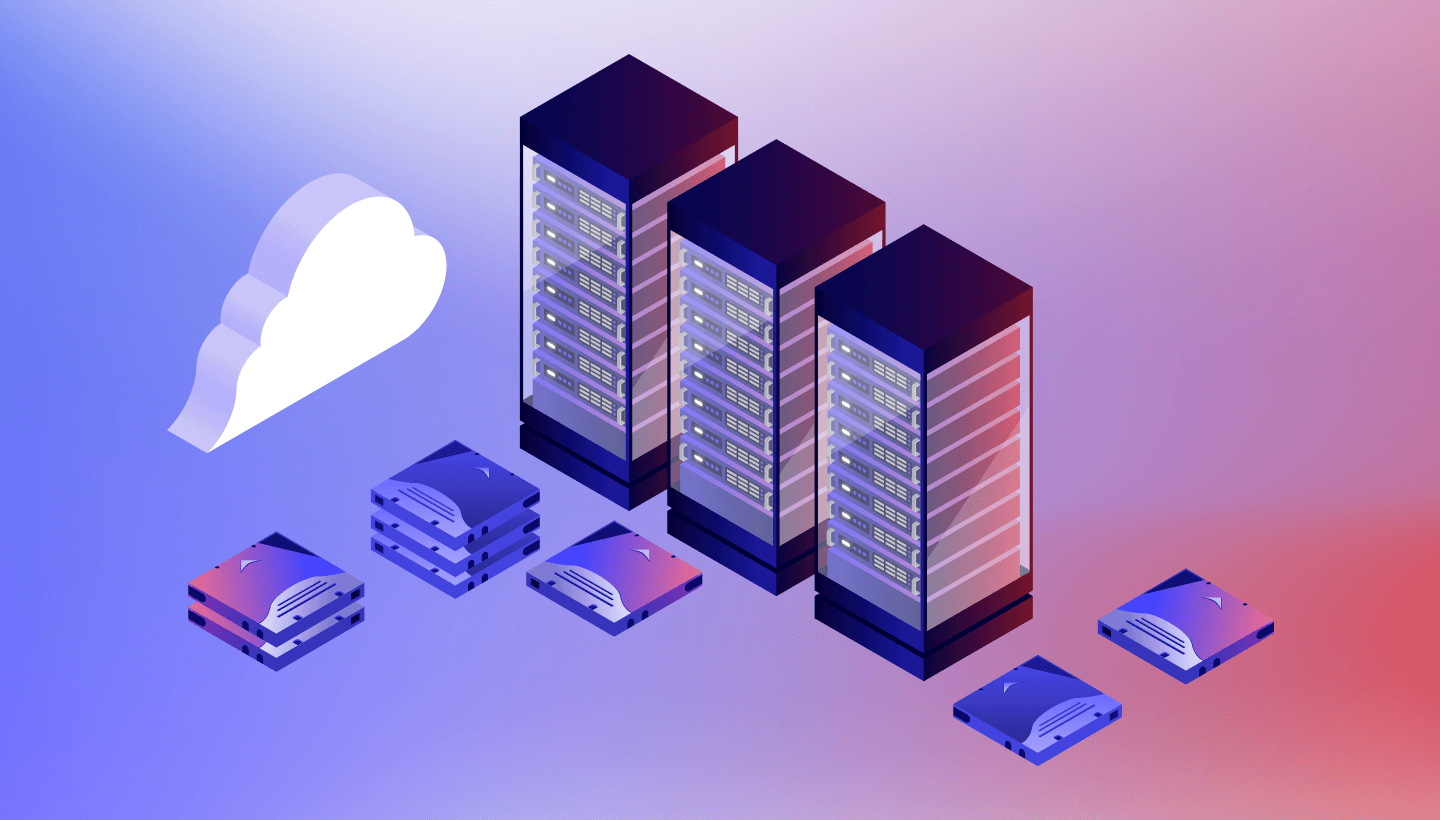
AI training needs flash, but the rest of the AI lifecycle does not. See how tiered storage helps neoclouds lower costs, keep data close to GPUs, avoid hyperscaler lock-in, and retain more of the customer relationship across every workload stage.
What IT Teams Get Wrong About Immutable Backups and Object Lock
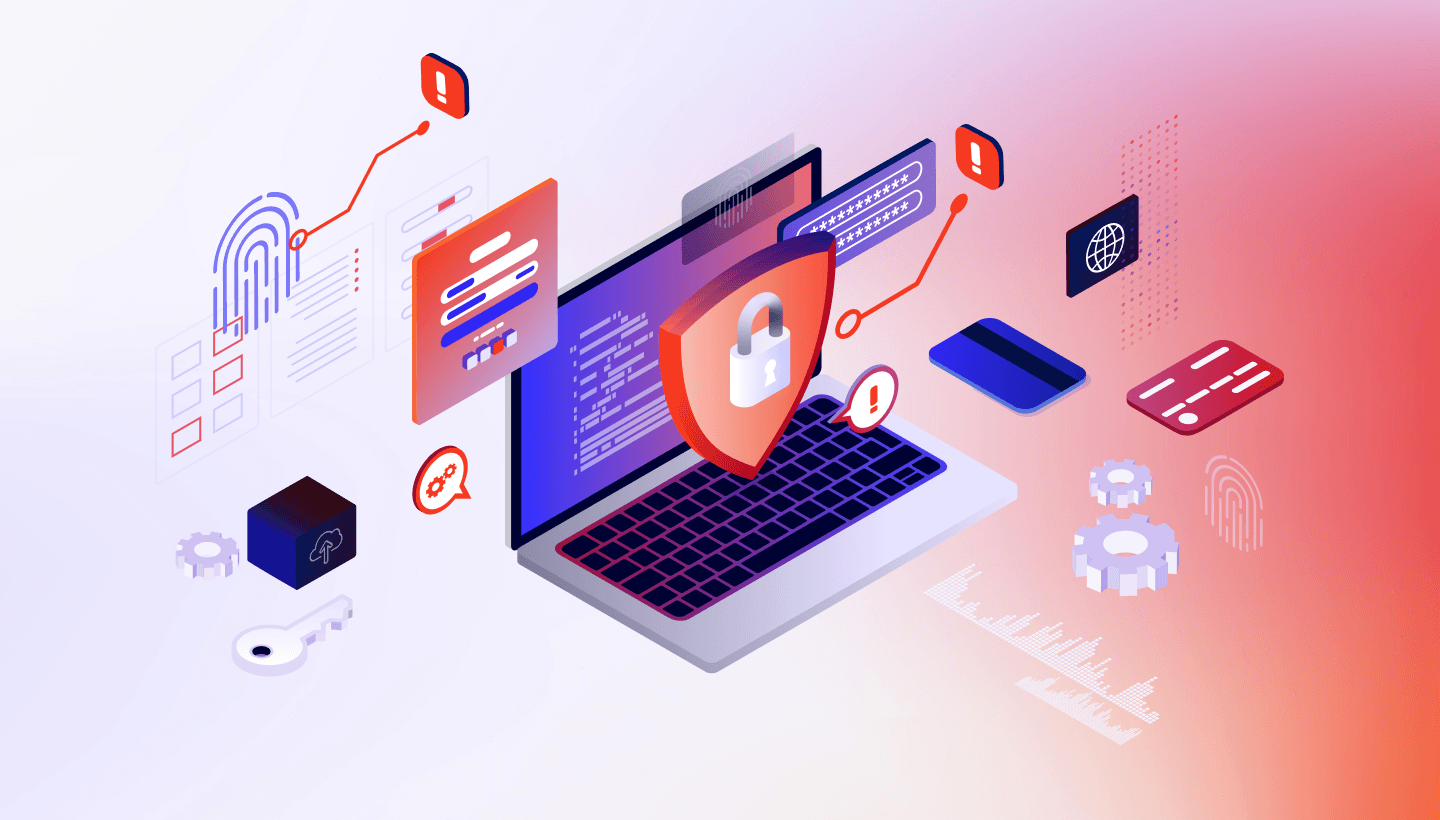
Object lock can create false confidence when bucket settings, backup software, retention periods, and lifecycle rules are misaligned. Learn the most common immutable backup mistakes—and how to configure ransomware-resistant storage correctly without unexpected access, capacity, or operational transaction-cost surprises.
Zero-Touch or It Doesn’t Scale: The New Standard for Mac Fleet Backup
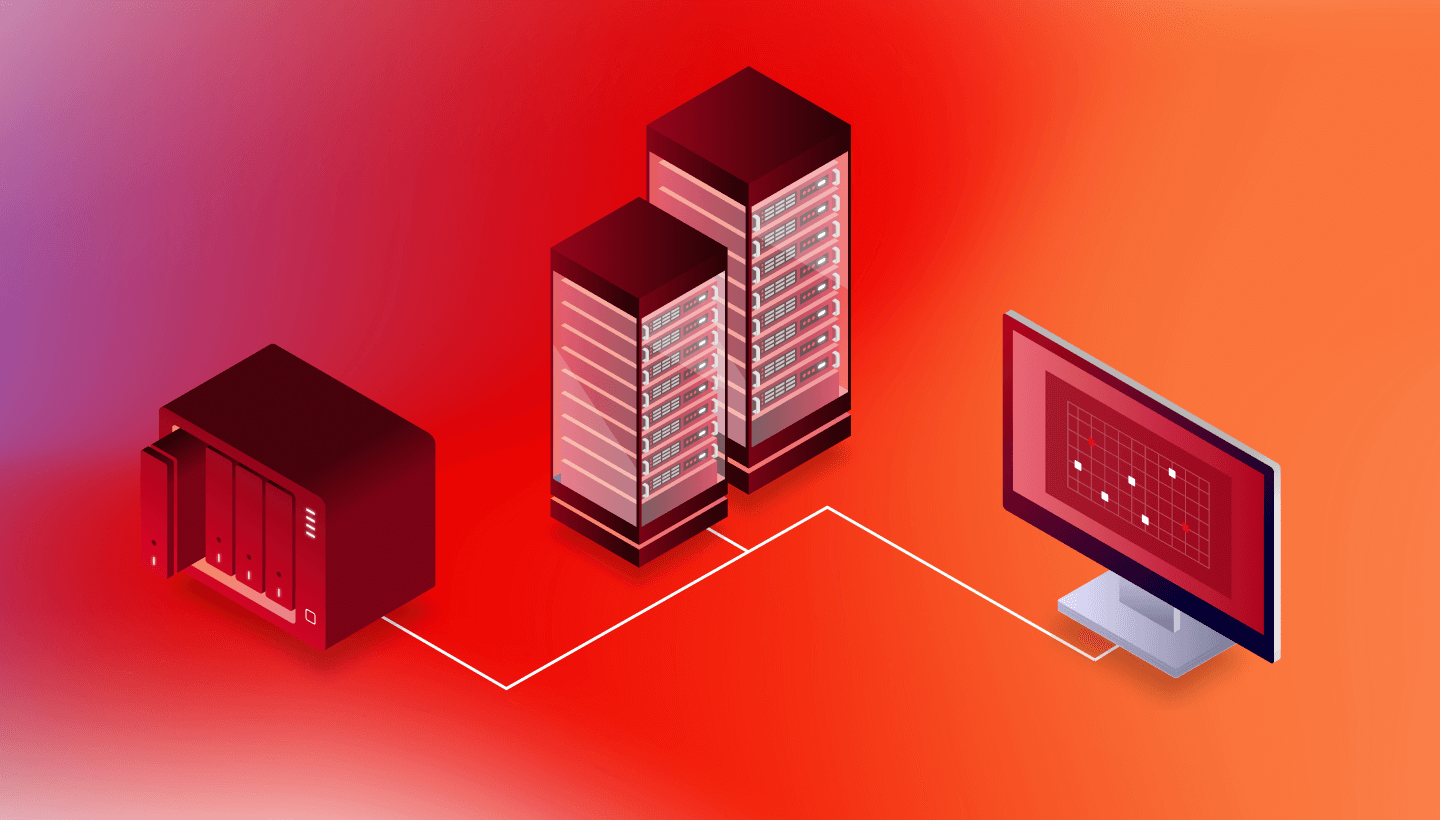
For lean IT teams, zero-touch Mac backup deployment is no longer optional. Learn what truly silent installation requires and how Backblaze helps admins protect every device across Jamf, Kandji, Addigy, and other MDM-managed fleets without user interaction or follow-up work.
Backblaze B2 x Suite Studios: S3 Native File Streaming Turns B2 Cloud Storage Into a High-Performance Drive
Backblaze B2 now integrates with Suite Studios S3 Native File Streaming, giving teams high-performance, drive-like access to cloud data. Work directly with standard S3-compatible objects across media, scientific, geospatial, and engineering workflows without duplicating datasets or creating new storage silos.
Introducing the Backblaze B2 MCP Server

The Backblaze B2 MCP Server gives AI agents a safe, standard way to operate cloud object storage. Connect MCP-compatible clients to scoped B2 application keys, manage files and buckets, move large objects directly, and control destructive actions with configurable safeguards.
Four Platforms, One Timeline: Bringing TAMS Workflow to Life on Backblaze B2
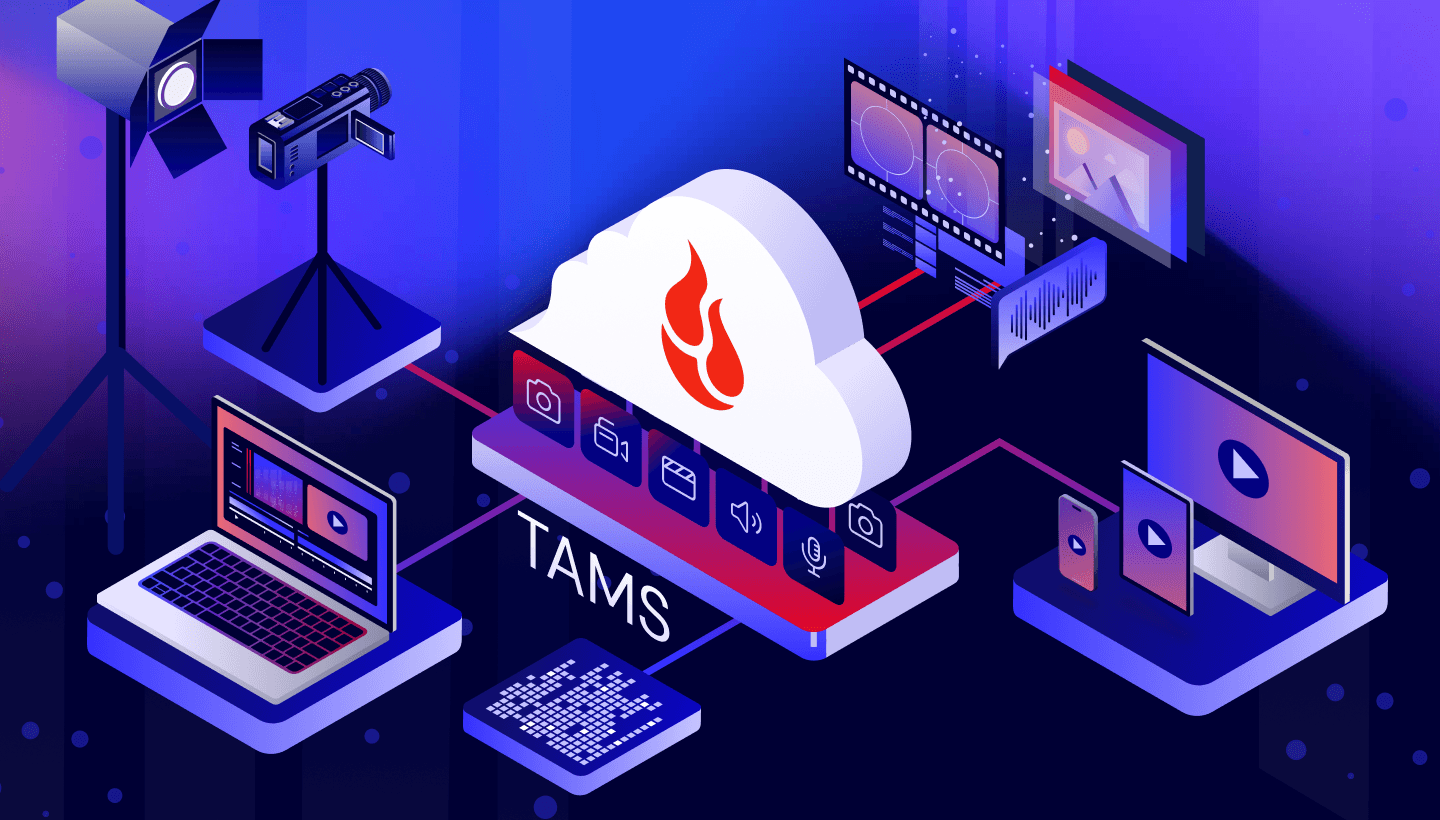
TAMS organizes live media by time, giving distributed production teams faster access to shared footage. See how Backblaze B2, LiveWyer, CuttingRoom, and Drastic Technologies create an interoperable, cloud-native workflow for ingest, editing, playback, distribution, and archive with economics at scale.
Backblaze B2 To Encrypt New Uploads by Default

Starting September 14, Backblaze B2 will automatically encrypt every new upload and destination copy at rest with AES-256. Always-on SSE-B2 strengthens security without application changes, added costs, or performance impact, while preserving SSE-C for customer-managed encryption keys when required instead.
Why Your GPU Is Sitting Idle: The Data Pipeline Problem No One Talks About

Adobe’s experience reveals why GPUs sit idle during AI model training: slow storage, insufficient throughput, and uneven workloads. Learn how storage bottlenecks and uneven data loading leave expensive GPUs idle—and how always-hot, high-throughput object storage keeps AI training pipelines running efficiently at scale while reducing wasted compute costs.